Welcome back; this article is part of the series called Naming convention.
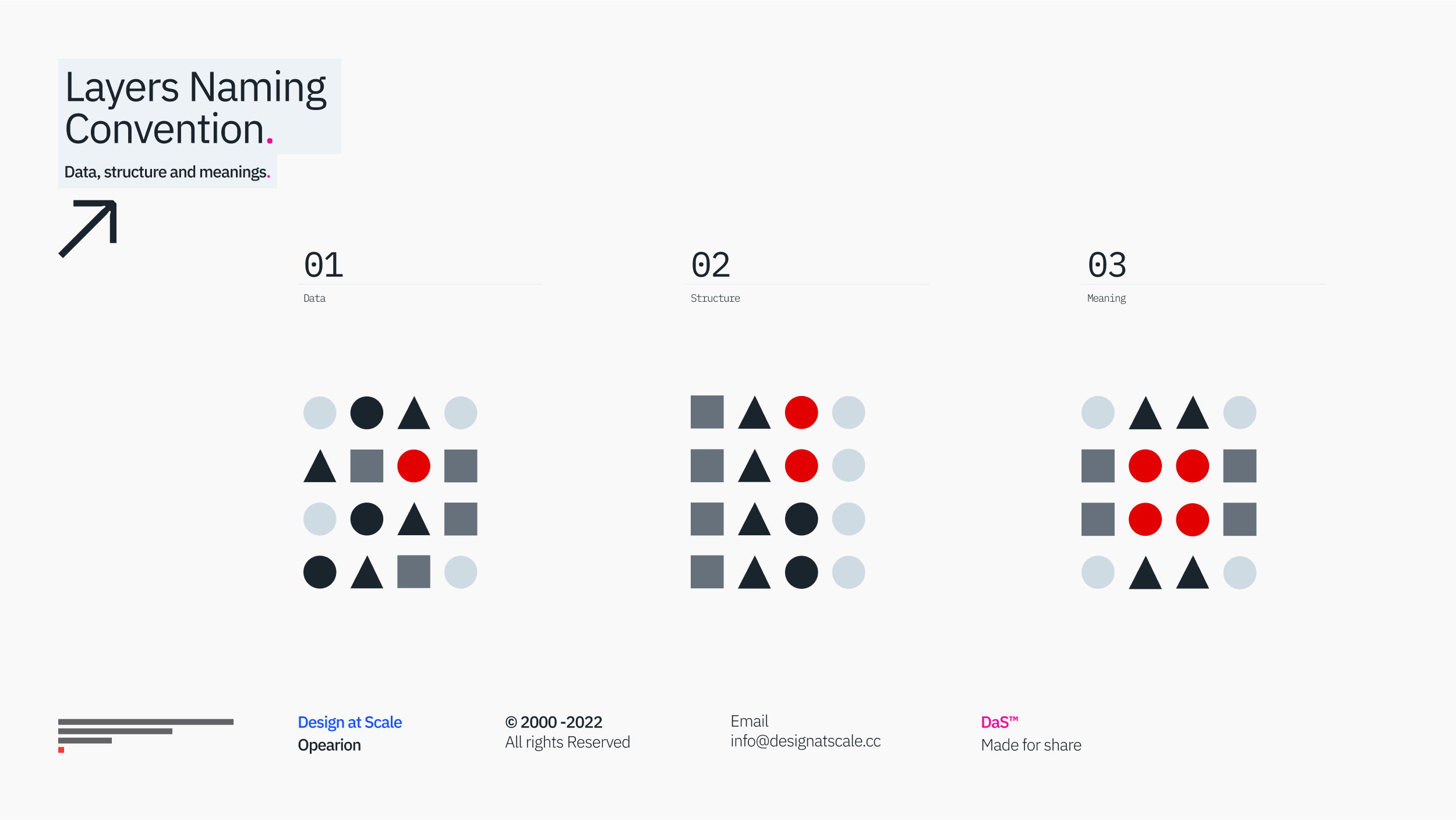
The previous articles explored the impact of folder naming conventions. This article discusses the naming convention inside the CX and UI files before integrating them with our engineering colleagues.
Why does no one care?
If you talk to any outside of the design practitioner circles, no one would consider naming layers or how the work is done as far as it is shipped. Often though, it is the fundamental difference between the practical (speedy, dirty, copy and paste) and integrated (well-organised, connected, regularly updated and automated) way that impacts the real world.
You wouldn’t care how your herniated appendix is removed so long as the stitches are minimal. So the cavity operation is done by the first-grade surgery student, while the private, well-known plastic surgeon will carry your stitches on your tummy and give you a final speech that you should be all ok.
Fun aside, we often hear from our POs and PMs that no one cares. The agile manifesto says, “Working software over comprehensive documentation," making everything else disposable. If no one cares, why should you?

Should you?
In 1996, I was fortunate enough to work amongst some titans of retouching imagery in Photoshop 3.1.0 – I know, but I hear the story.
We were preparing the imagery from the 96 Tour de France. Almost 10k images have been carefully scanned from original negatives (no DNGs or NEFs, no Lightroom) and are neatly organised in a magazine-led structure. Every picture was converted to PSD and properly layered out, so we can link them to Quark Express.
There, I was told to:
“Name the layers properly so that everyone knows what you have done and can read it as a message from the designer.” – Machacek, Design Director, Margaret Studio 1996.
Many times since, this simple practice has saved me a great deal of time in production. It made me more creative in handling further requests and changes. I could read, change layers, and move objects and other parts of the layout without even looking at the stage.
The argument I often have to prove is “if we do name the layers, it’s a waste of time to name it”, especially if we delete them, right? Sure, we waste more time copying and pasting instead of automating our workflow, which, surprisingly, is far quicker (about 63% on average) than properly naming layers.
Regardless, if you already name it, you know what you are deleting or removing, not to mention if it's a component from DS; it’s as simple as switching off – you do not have to name it or rename it.

Smart Objects
Fast forward more than a decade, and Adobe introduced Smart Objects, which allow embedded files and advanced versioning. While someone worked on the logo (in Adobe Illustrator), the smart object was linked (and rendered) into all Photoshop files and different breakpoints for desktop, tablet and mobile. We can then easily display different logos and different breakpoints.
Equally, once the layer-coms arrived, we organised our workflow with such precision that 40+ designers could simultaneously work on several PSDs without deleting anyone's work. Good old days when the collaboration had to be under control.
It also showed that when the design ops are done correctly, we can have a dedicated “folder” for all the assets that can be mirrored into a production line. Our engineering colleagues didn't have any questions about where the file or the graphic was or, more importantly, what the file's name was.

Next-Gen
We all very much embrace Sketch and Figma, but with the arrival of all the shiny tools, the legacy of structured design has slowly vanished.
Having a chance to review some work across large financial institutions compared to apprentice portfolios, the layering and the names Elipse 3975, Square 4598, and most likely Frame 19083 make it hard to export groups that logically or inherently belong to each other.
That said, several sources debate the challenge from the perspective of a (dirty) prototype that proves the concept of behaviour and function across work files with linked design systems and their codependency.
(new article about naming layers in Figma)

Systems
This brings us to the final point of naming convention, and it's a convention of Design systems. Generally, I’d have one UI designer (or UX-er) running the work file, and the other “design system designer” will run the design system file.
With this approach, you simultaneously build a repository of your future implementation. With “variants” and “tokens”, you can really make something magnificent that is not only pretty but very functional and adaptable to your growing exponential needs.

Automation and Algorithms.
I have to mention something that has been with me for quite a while, and only now are we seeing the first successful implementation of it – it’s the automation and use of algorithms.
Given the fact that Google releases new code every couple of seconds, it’s not surprising that design as a function needs to adapt to it. Navigating through the complexity of all your assets in each release, iteration, and adaptation adds to the complexity of your design ecosystem. Algorithms help you to correctly rename 30.000 elements in your APAC version of your software far easier than 30 designers would over a monotonous 10-day shift.

Where next
We’ve got the primary, not rocket science, here: As a genuine note, try to look at your current folder structure and ask yourself the following questions:
1/ What am I working on?
– a very first iteration of the design?
– or a well-integrated piece?
– or something in between?
2/ Does it matter to me or to others?
– if it’s a singular file without the possibility of sharing it, knock yourself out
– if you share it make it count – it should be a story.
3/ When someone comes with feedback, listen.
– two things will happen
– you’ll learn something new, which is always a good thing
– if it’s a critique of something, try to find a way to better it.
4/ Does it take too much time?
– if yes, you are doing something wrong.
– learn about automation and integrated (linked) design files.
– learn what to reuse and standardise.
5/ Have one document messy and the very same one organised
– spend a day working on the messy one
– and then spend the day working on the tidy one